Modern Home Office & Dream Desk Setup Makeover 2026

This summer, I gave my entire desk setup a complete makeover, and this time it wasn't just about looks. I spent a lot of time in this office, so every part of this makeover was done with productivity and creativity in mind while also adding far more personality to it. I kept this one more brief to focus on the changes, but if theres anything you want to know like how I use a Mac and PC with the same keyboard and mouse, or how I 3D print things safely, just drop a comment and ill let you know.


***Sponsored by Vernal***
Get your Vernal Stand Desk, Desk Shelf, Cabinets, and Accessories Below. https://bit.ly/4vpxBVC (US)
https://bit.ly/4eV5atW (UK)

The full list of products I use (Affiliate links)
Monitor: https://geni.us/Behob
Lightbar: https://geni.us/U0K2u
iPad: https://geni.us/Gxmoe
iPad Charging Stand: https://geni.us/ASDC9 o
MacBook Pro: https://geni.us/pkWkXCy
MacBook Stand: https://bit.ly/3pGviSl (save 10% with code CHRISWIL10)
Thunderbolt Dock 1: https://geni.us/QJoWHq
Thunderbolt Dock 2: https://geni.us/Uv6wA
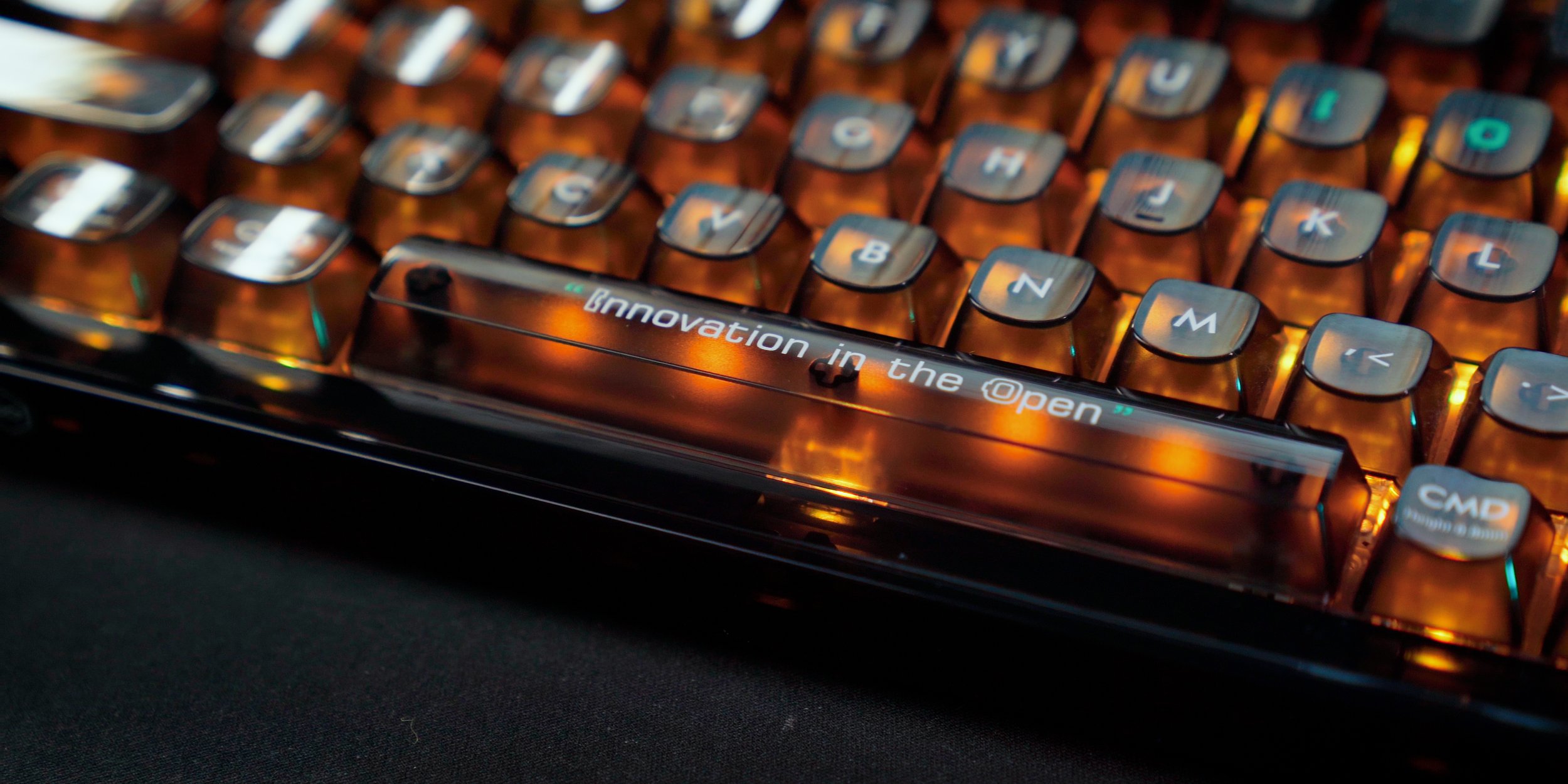
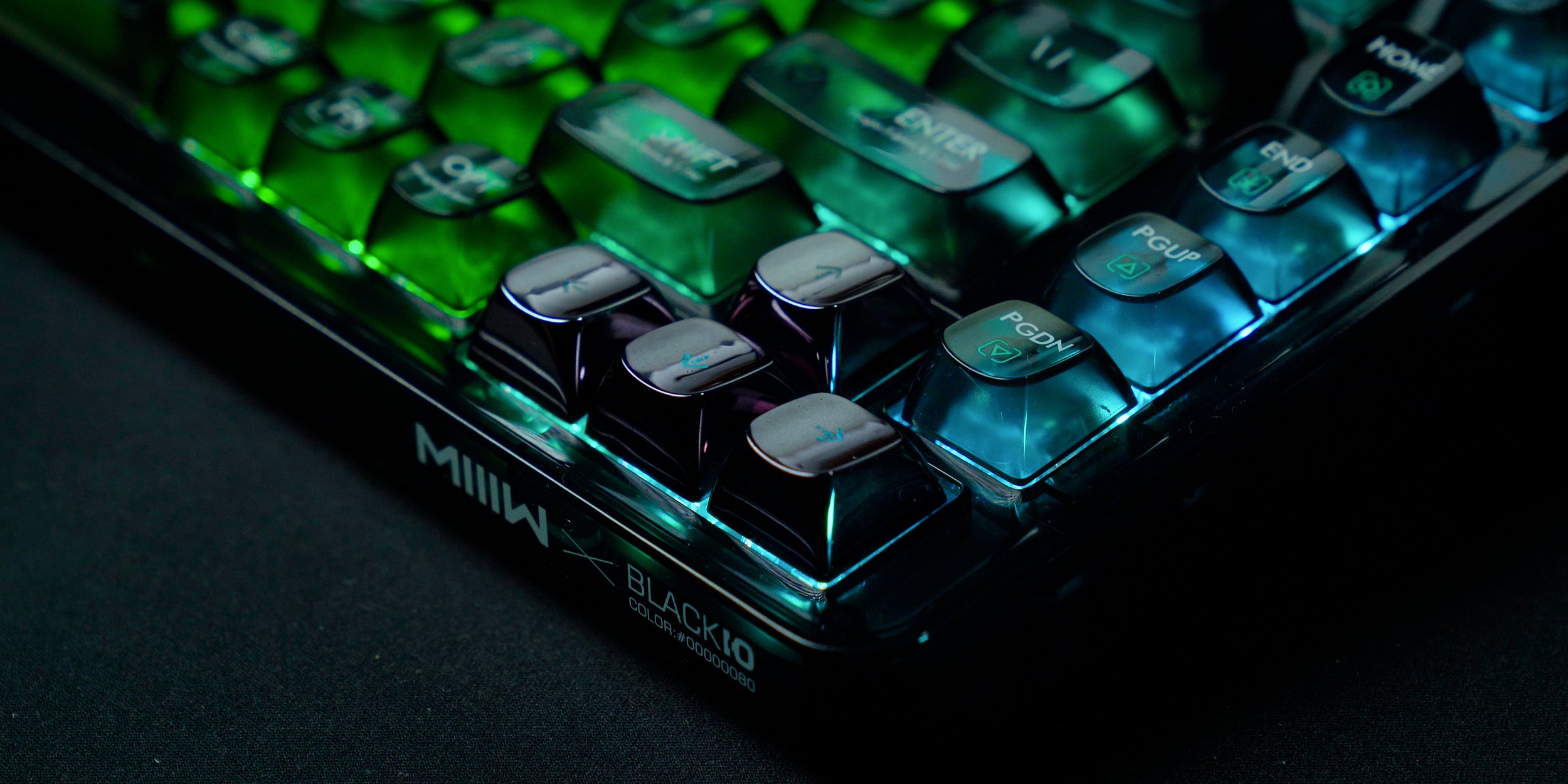
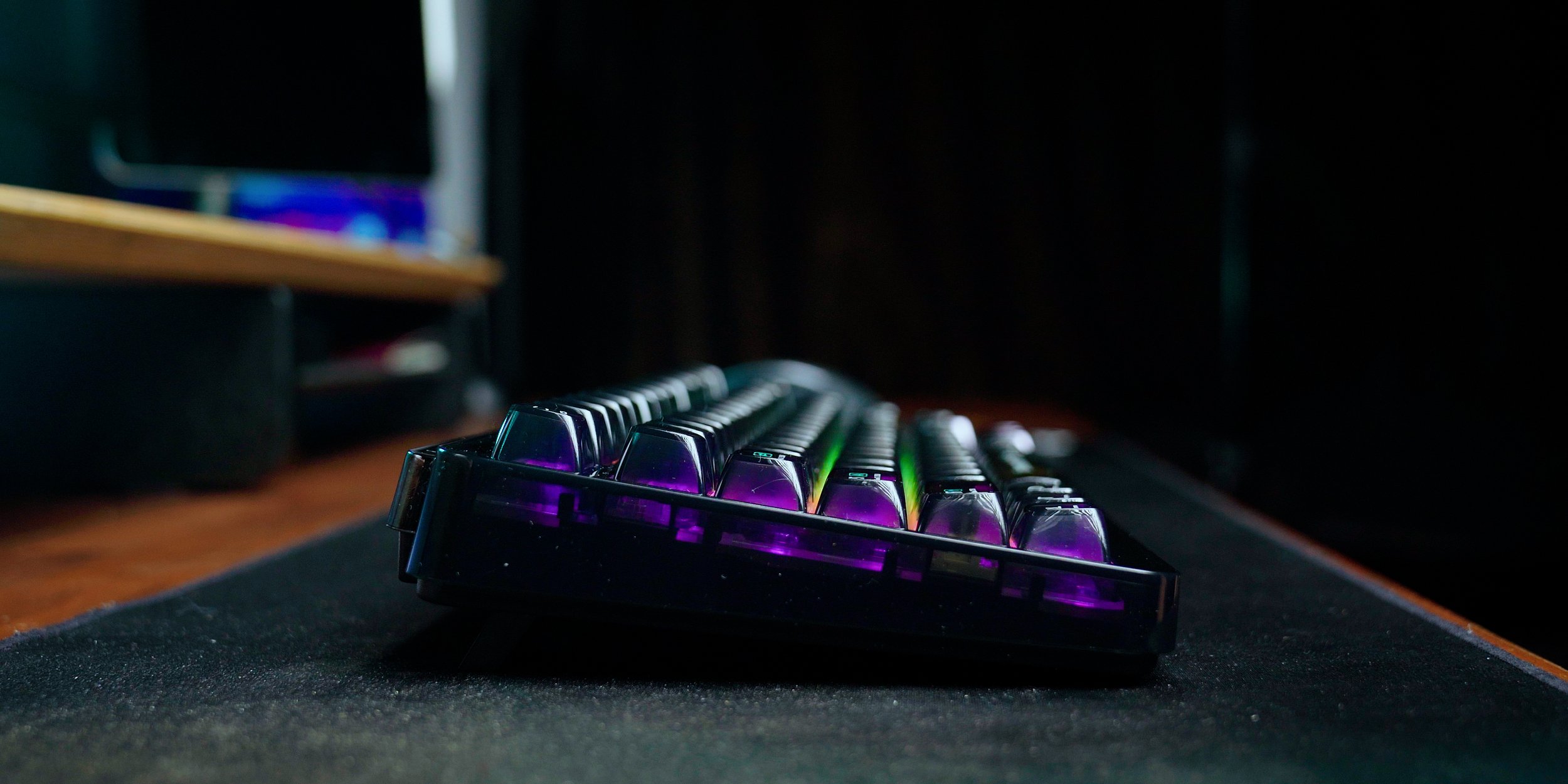
Keyboard: https://geni.us/Vsr9A9
Mouse: https://geni.us/9lHI7
Photo Printer: https://geni.us/aGkEQD
Wrist rest Mouse: https://geni.us/danb7
Wrist Rest Keyboard: https://bit.ly/4pkA4j0 (save 10% with code CHRISWIL10)
Desk Pad: https://geni.us/I6px3
Phone Charger: https://bit.ly/4bDydQs (save 10% with code CHRISWIL10)
252 Watt Charger: https://geni.us/OxRsKR
Wall Shelf: https://bit.ly/456lHFr (save 10% with code CHRISWIL10)
3D Printers: https://geni.us/gluNYO0
Home Server: https://bit.ly/3RO6NQT Coupon code: ChrisWilmshurst_ 50 (50 USD OFF)
Battery Backup: https://geni.us/XQfw
Ikea Smart Bulbs: https://www.ikea.com/gb/en/cat/smart-lighting-36812/
Power Strip: https://geni.us/4Qu19Z
HomePod: https://amzn.to/4gUgo3p
WIFI MESH: https://geni.us/9ZiKGq
Microphone: https://geni.us/A8WduHW
Microphone Arm: https://geni.us/ZriEnbT
Speakers: https://geni.us/k6iAM
Japanese Console Unit: https://geni.us/uviU9uM
Coffee Machine: https://geni.us/QTIeSh

Need Good Music? http://share.epidemicsound.com/chriswilmshurst

The Accessories The Convinced Me To Keep My iPad Pro

From keyboard cases and SSDs to docks, sleeves and a few underrated gems, these are the iPad Pro accessories that genuinely made the cut in 2026. After testing way too much tech over the past year, these are the accessories I actually kept using day after day — the ones that improved my workflow, changed how I worked with, or simply made the iPad Pro better to live with. Whether you’re using an iPad Pro for work, studying, editing, travel, or just everyday media consumption, hopefully this video gives you a few ideas for your own setup.

Links to everything featured are below* 👇
Magic Keyboard: https://geni.us/Ho3fD
Dynamic Folio: https://geni.us/DKt5ZnG https://geni.us/NVae0
Apple Pencil: https://geni.us/NVae0
SSD Enclosure: https://geni.us/CHxZ
iPad Charging Stand:https://geni.us/DraEAx
Controller: https://geni.us/lNxNHwG
Anker Hub: https://geni.us/w1furMn
Hub Stand: https://geni.us/ed7LO1
Wipes: https://geni.us/CQCBCC

#iPadPro #iPadAccessories #DeskSetup #Tech #Apple

Japan EDC + Tips for your visit

In April, I finally got the chance to visit Japan at the tail end of cherry blossom season, a trip that had been sitting on my bucket list for years. As you’d expect, I wanted to bring along the right mix of photography gear, tech, and everyday essentials to help capture memories while making travel as smooth as possible making it the perfect EDC travel kit. .

In this video, I’m sharing my Japan travel EDC, including the gear that lived in my bag throughout the trip. From the Fujifilm X100VI and DJI Osmo Nano to my iPhone, portable power bank, and travel accessories, these are the items that genuinely earned their place.

I’ll also cover some practical Japan travel tips that made navigating the country much easier, including using Suica, getting around with Google Maps, staying connected, and a few things I wish I’d known before arriving.

Whats in my bag?  (affiliate links).
Camera: https://geni.us/GYds
Lens: https://geni.us/4IjPu
Filter: https://geni.us/VajC
Thumb Grip: https://geni.us/kfzgVC6
Bag: https://geni.us/BDwLIh
Phone: https://geni.us/JhZKCES
Pocket Cam: https://geni.us/tBUG1oV
MagSafe: https://geni.us/xf0dUze
Wallet: https://geni.us/ltWL
AirPods: https://geni.us/aYYk
AirFly: https://geni.us/fs0wGVY
Charger: https://geni.us/LxpyR
Shoes: https://geni.us/A2K8yU

SonnetTech Echo 20 Thunderbolt Dock Review

The Ultimate MacBook Accessory. SonnetTech Echo 20 Thunderbolt 4 SuperDock. This new Thunderbolt 4 dock from Sonnet is an impressive and feature-packed accessory for your Apple MacBook Pro, iMac, Mac mini, Mac Studio, or Thunderbolt enabled Windows PC. Not only does it have a HDMI 2.1 port, and 17 ports, it also has a built-in NVMe enclosure that will enable you to expand your storage by up to 8 terabytes. It sports a sleek and minimal matte black design and can supply 100watts of power delivery. But is it enough to take on the CalDigit TS4 and dethrone the king?

Where to buy products featured?
SuperDock: https://geni.us/PI5YWT
NVMe Hard Drive: https://geni.us/4VAJB7D
MacBook Pro: https://geni.us/069T
CalDigit TS4: https://geni.us/qgeH
OWC NVME enclosure: https://geni.us/kyyaA